Projects without git
A folder without git is a first-class project. Add it, run agents in it and close sprints in it.
Add a folder without git
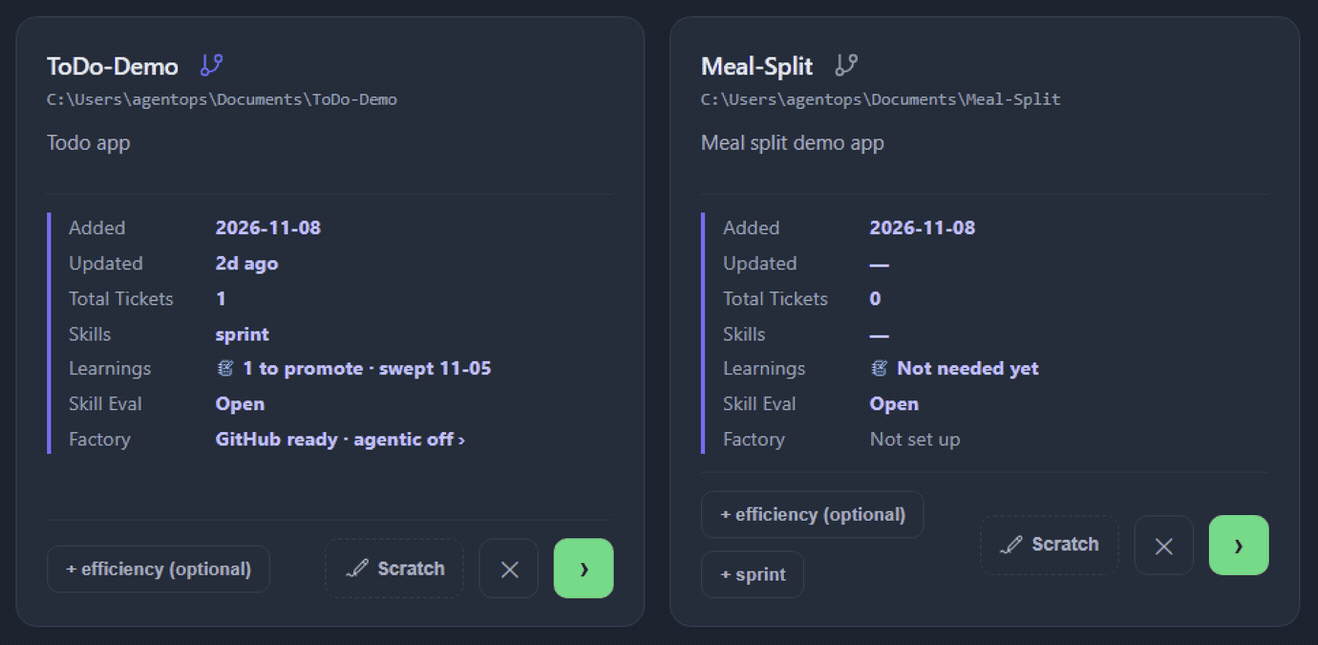
Add the folder the same way as any project (see Quick start). Its card looks a little different: the git icon beside the name is dimmed and Updated shows a dash because there are no commits.
The icon is optional: clicking it runs git init for the folder if you ever want version history, but nothing on this page needs it.
What is different without git
- No worktree panel. A worktree needs git, so the ticket tab goes straight to Status.
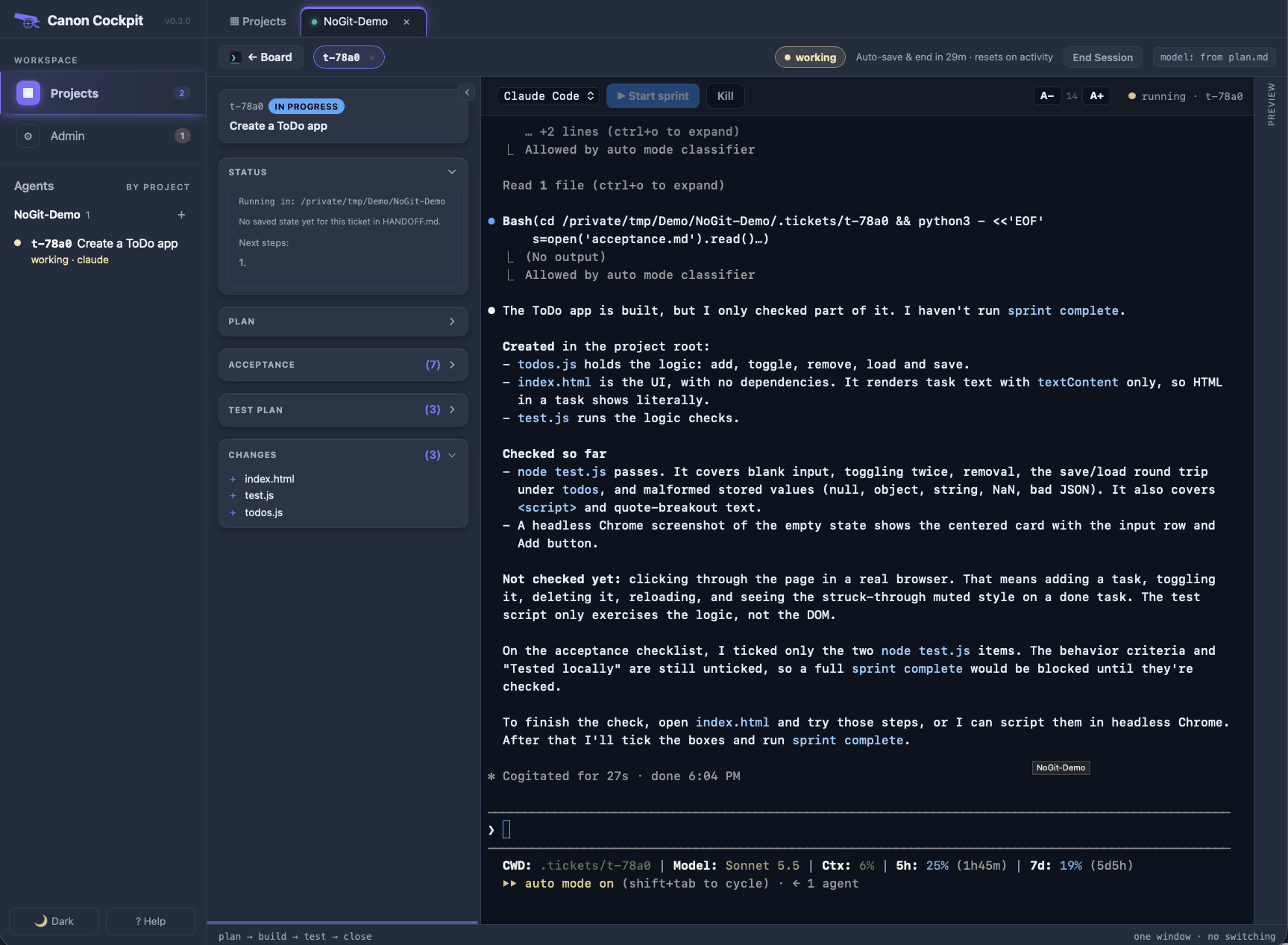
- A Changes panel instead. Canon takes a snapshot of the folder the first time you press Start, then lists what the agent changes against it:
+for a new file,~for an edited one. The snapshot is kept outside your project. - No git pre-commit hook. Registering
sprintskips it and says so ("not a git repo?").
Run a sprint
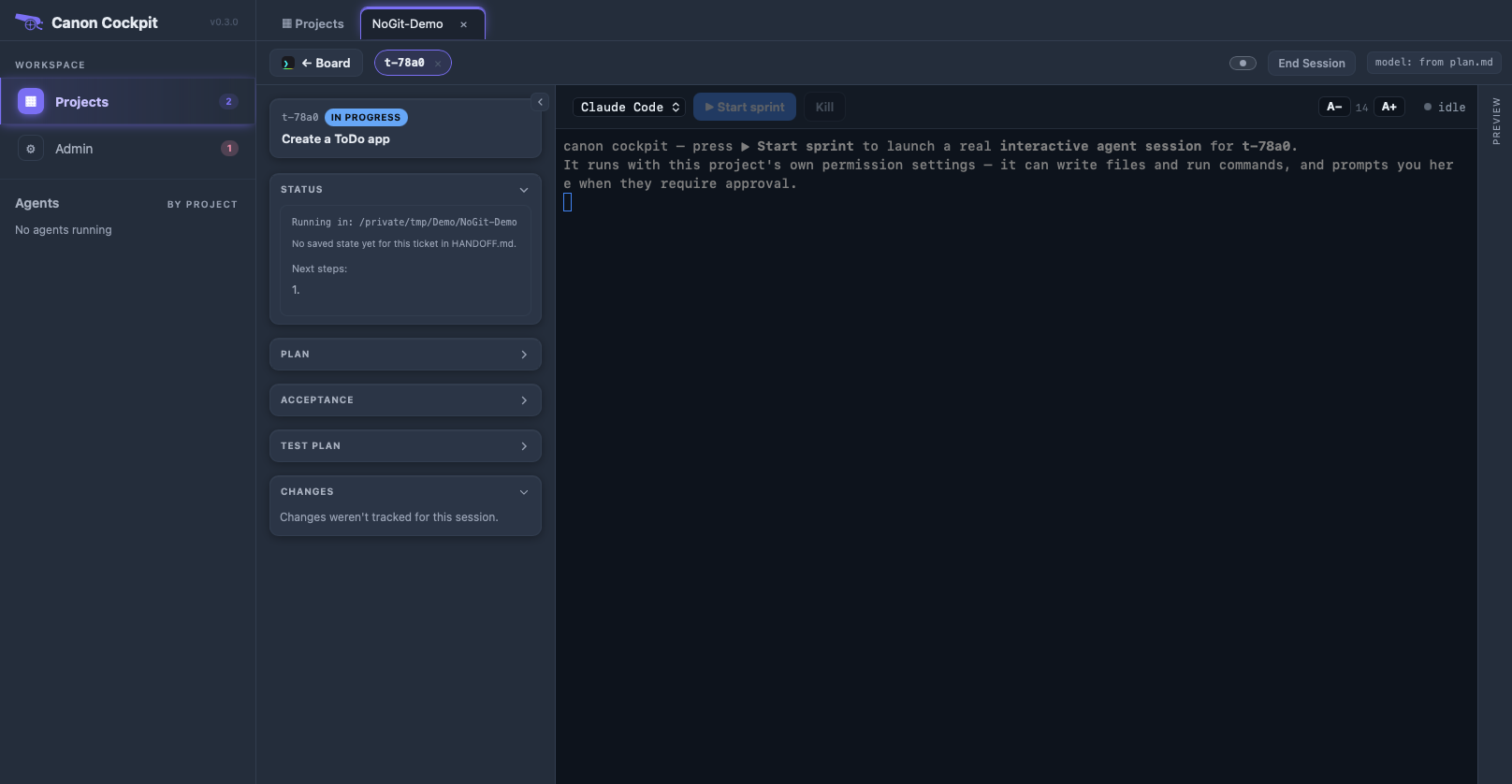
Create a ticket and press ▶ Start sprint as in the Quick start. The agent writes its research, acceptance criteria and plan, and stops for your approval.
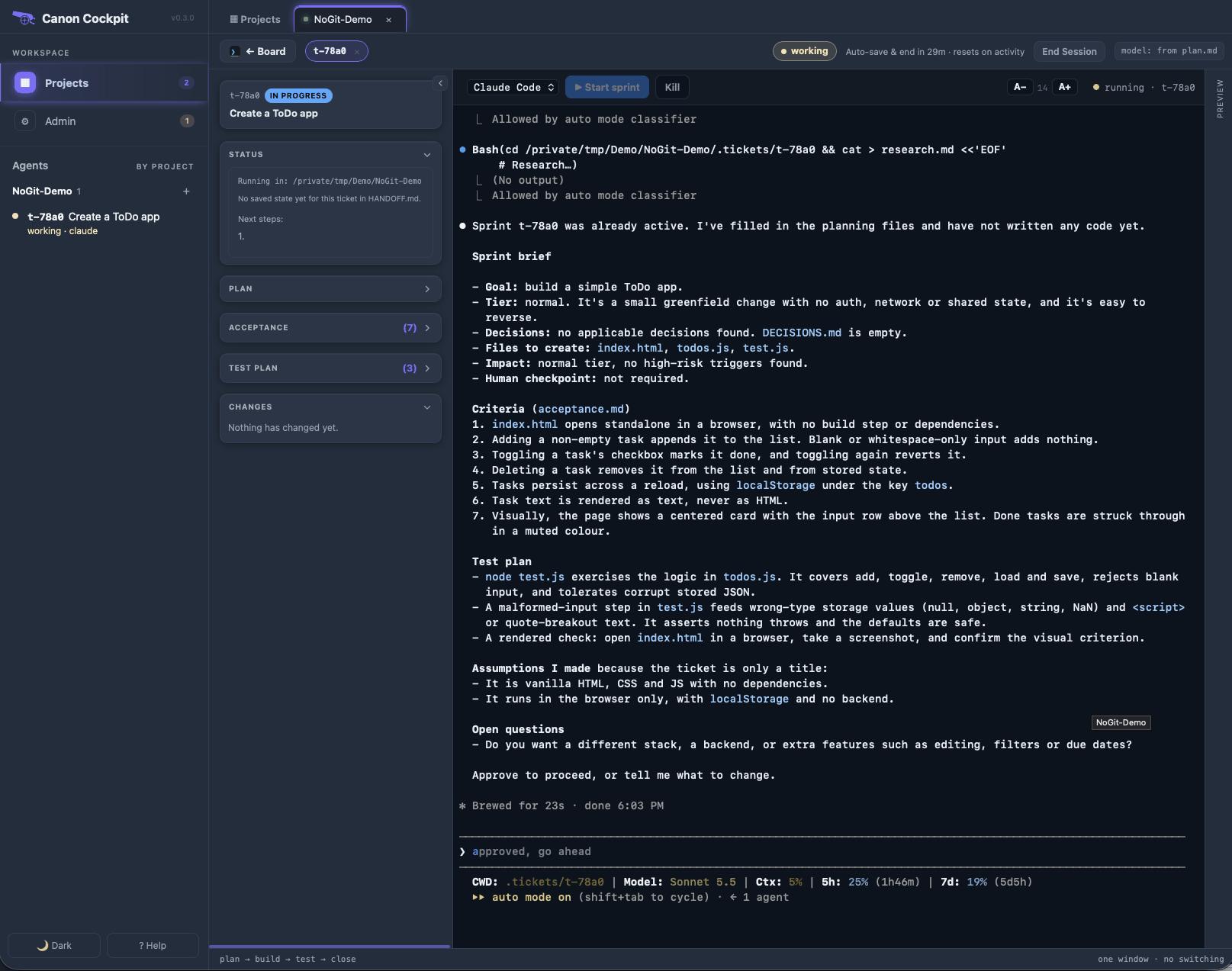
Once the agent builds, the Changes panel lists the files it created.
Close a sprint
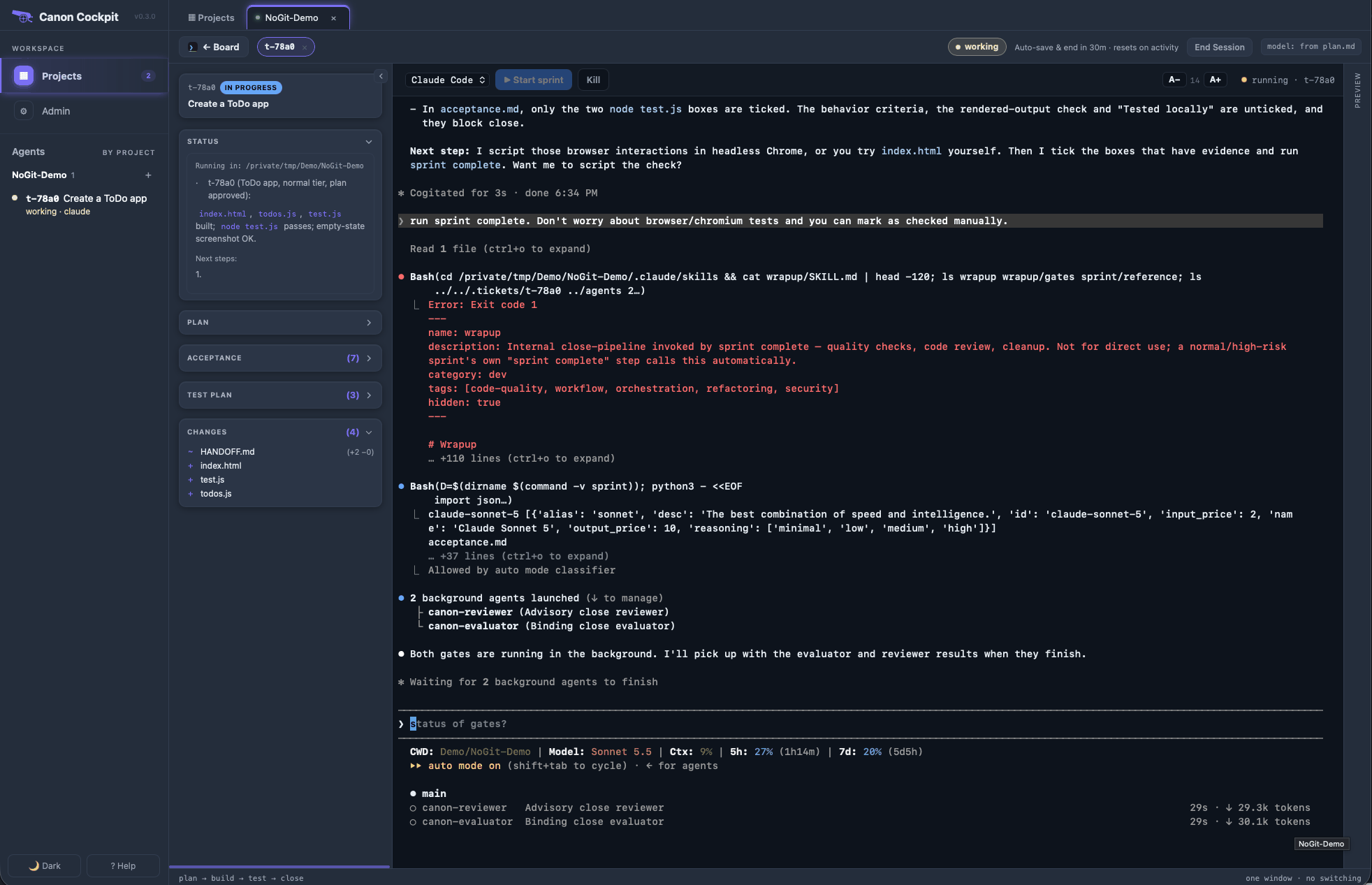
sprint complete works the same way. The reviewer and evaluator find the changed files in .tickets/<id>/changes.json, the snapshot's record, because there is no git history to read. There is also no commit step at the end: the ticket closes and nothing is committed or pushed.
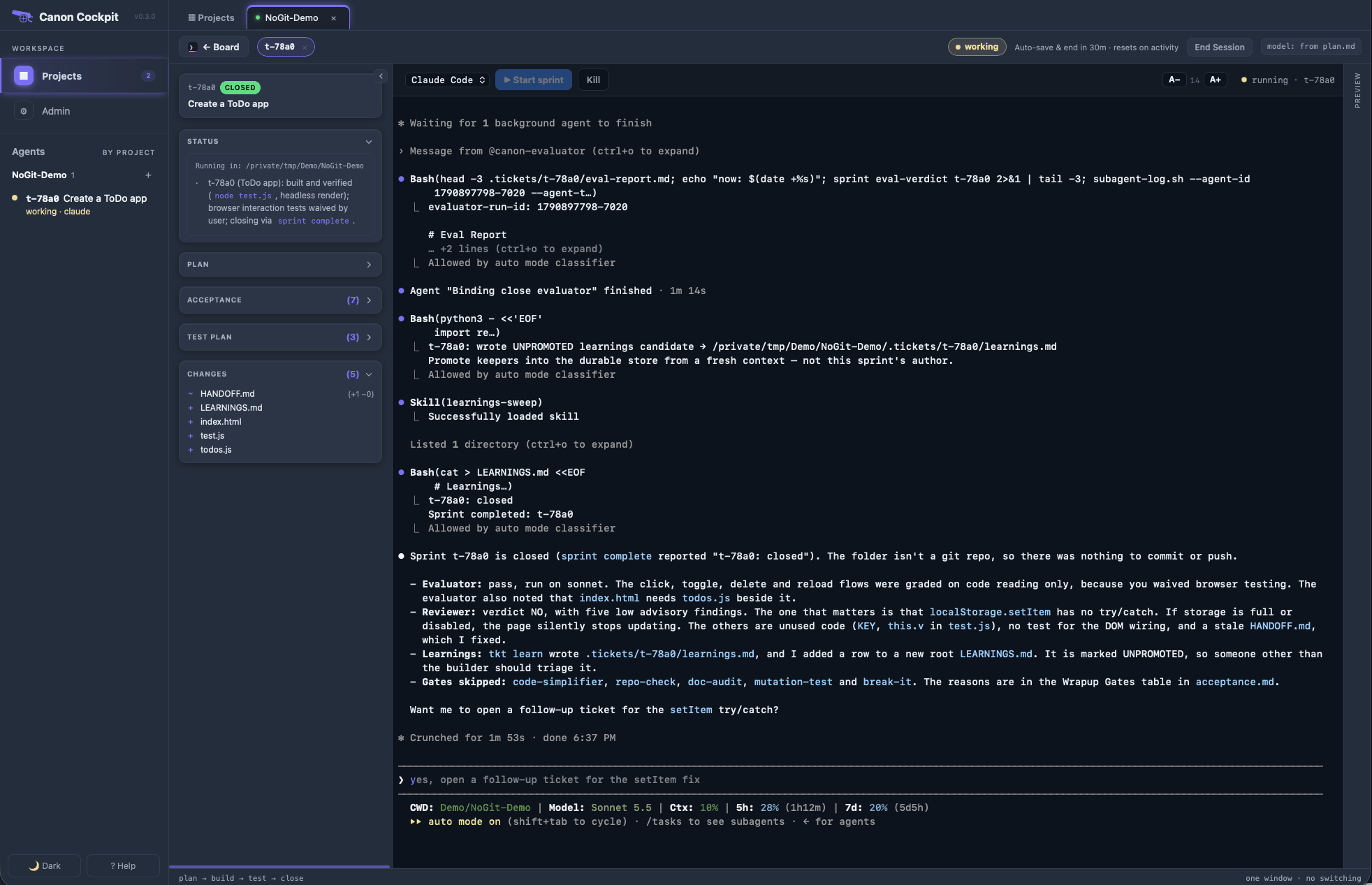
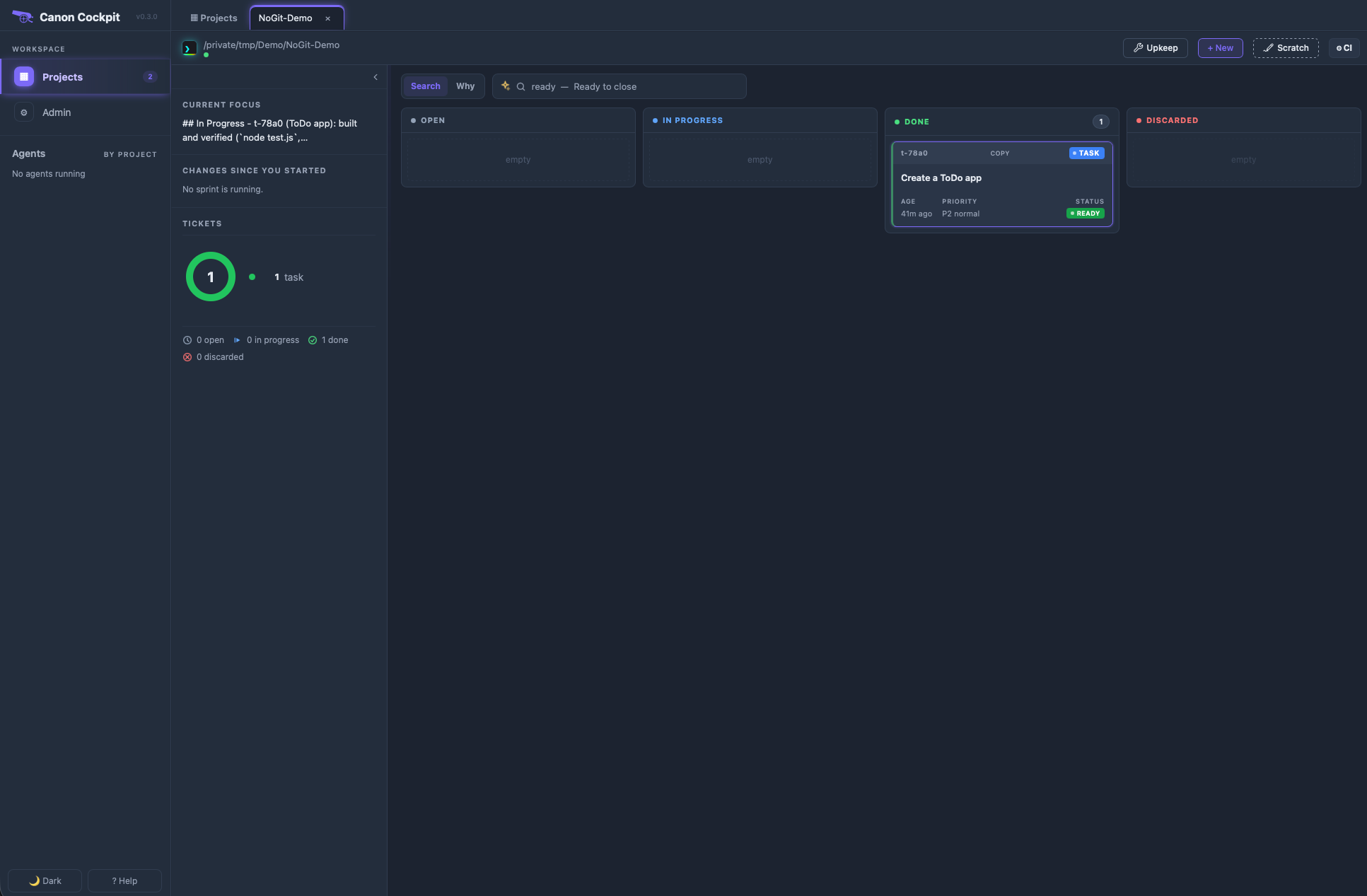
The board shows the finished ticket in Done. Where a git project shows its git state and recent commits, this panel shows the current focus and Changes since you started.